Competitors
The competitive trend, the full metrics table, untracked names engines keep mentioning, and head-to-head comparison per rival.
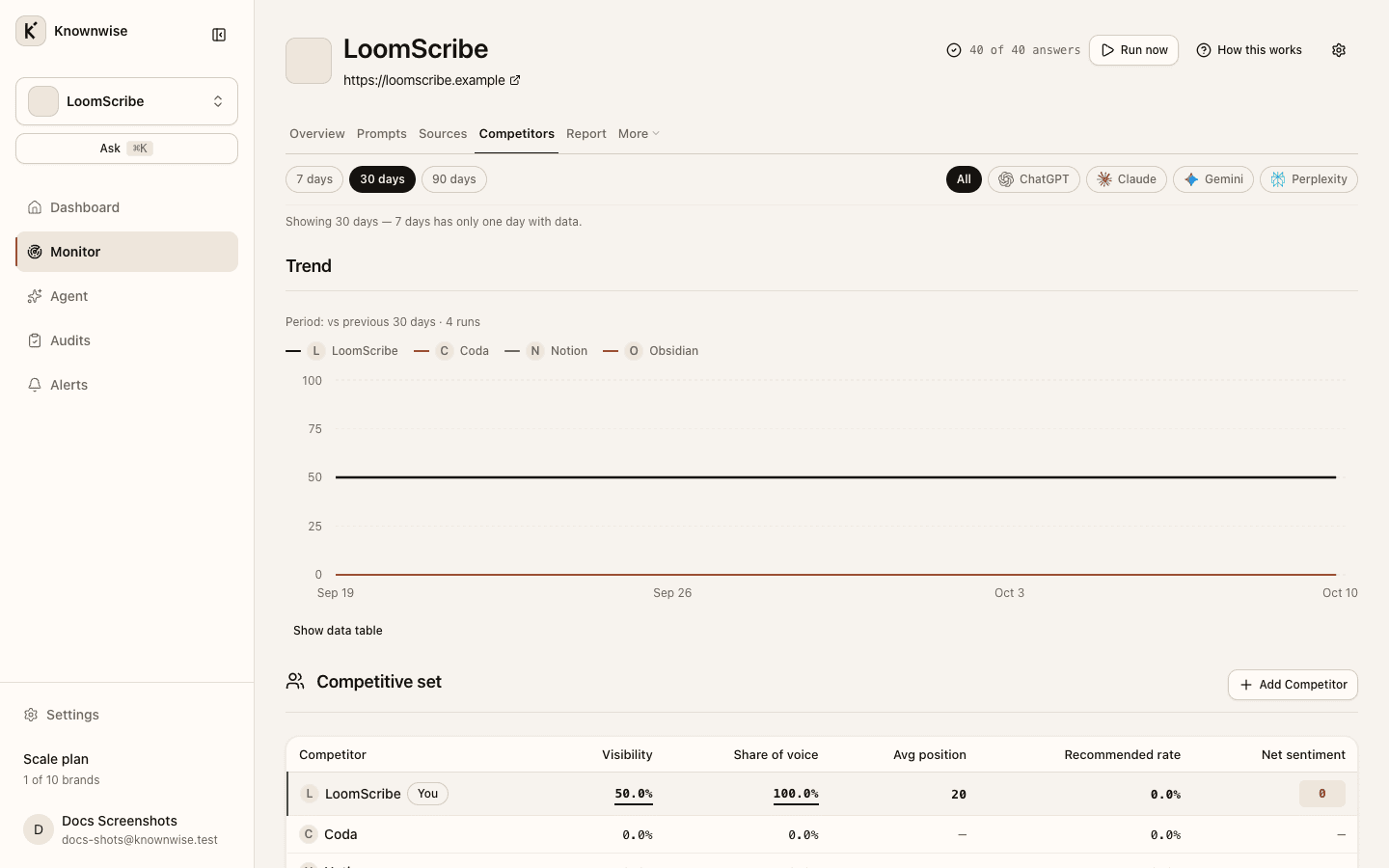
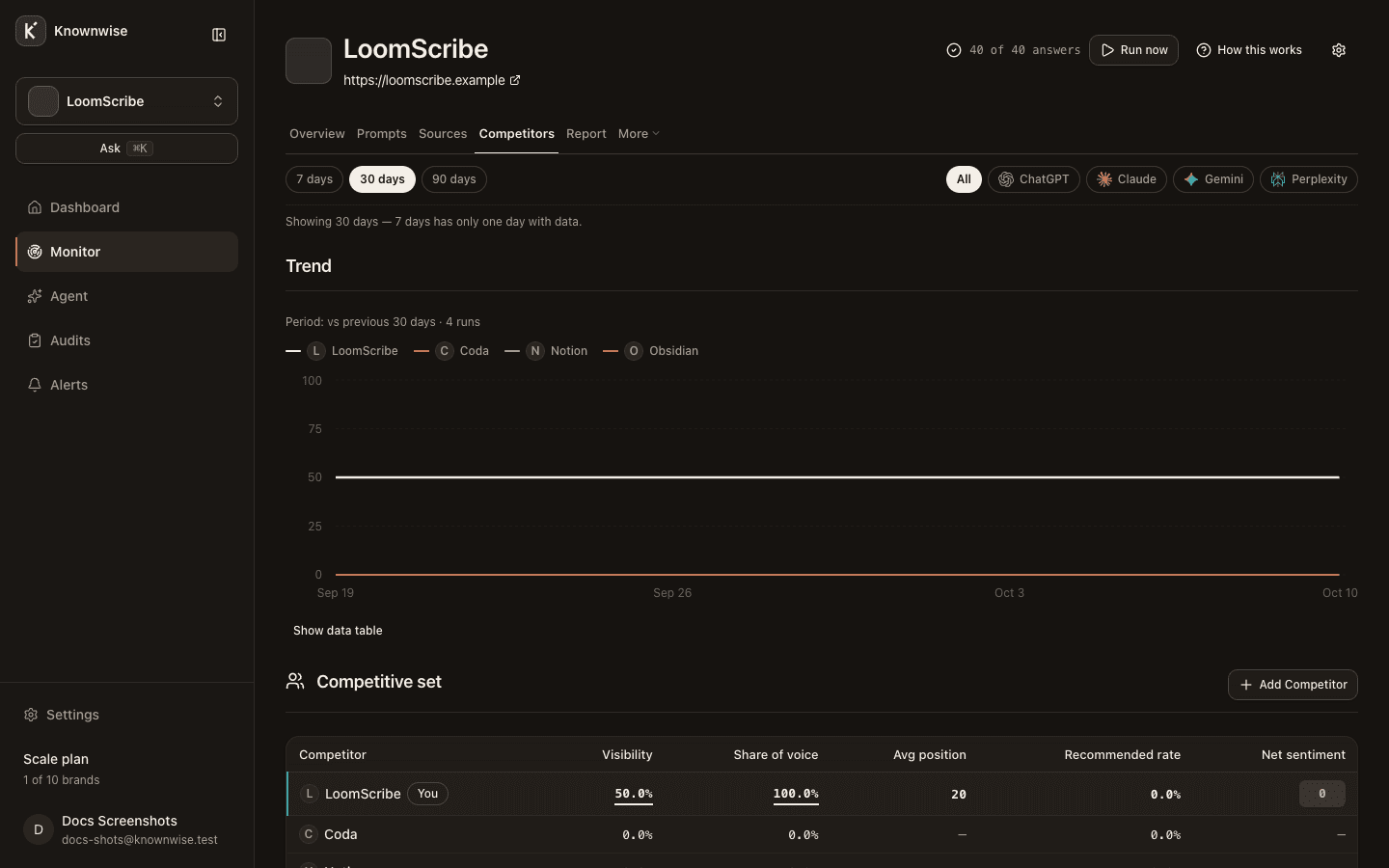
The Competitors tab compares you to every tracked rival across the window you chose, surfaces names you have not added yet, and opens a head-to-head view for each competitor.
Before data exists
Until at least one completed run exists in the window, the page shows No completed runs yet and the run banner. The comparison needs answers from two completed runs before the full picture appears in the empty-state copy.
Trend
Trend charts visibility over time for you and each tracked competitor. When the chart has fewer than two points, a short note explains when the line will start — on Free, A trend needs a second run; Free includes one report.
Competitive set
Competitive set is the main table. Your row is pinned first (You), then each competitor. Columns include Visibility, Share of voice, Avg position, Recommended rate, and Net sentiment. Click a column heading to sort; missing values show —, never zero.
Add Competitor opens the add-competitor flow.
Others mentioned
Others mentioned lists names the assistants keep citing that you do not track yet, with mention counts and Track to add them when your plan allows. Track fills in a website when the cited domain fits the name; when it does not, Track opens the add-competitor form so you can enter the site.
Head to head
Open a competitor row to compare answer by answer in the window. Count tiles show Both mentioned, Only you, Only the rival, and Neither. The Prompts where the rival wins table lists questions where they are mentioned and you are not, or you appear later in the answer than they do.