Sentiment
How assistants talk about your brand — net sentiment, the four labels, per-engine breakdown, quoted evidence, and citing domains behind positive and negative mentions.
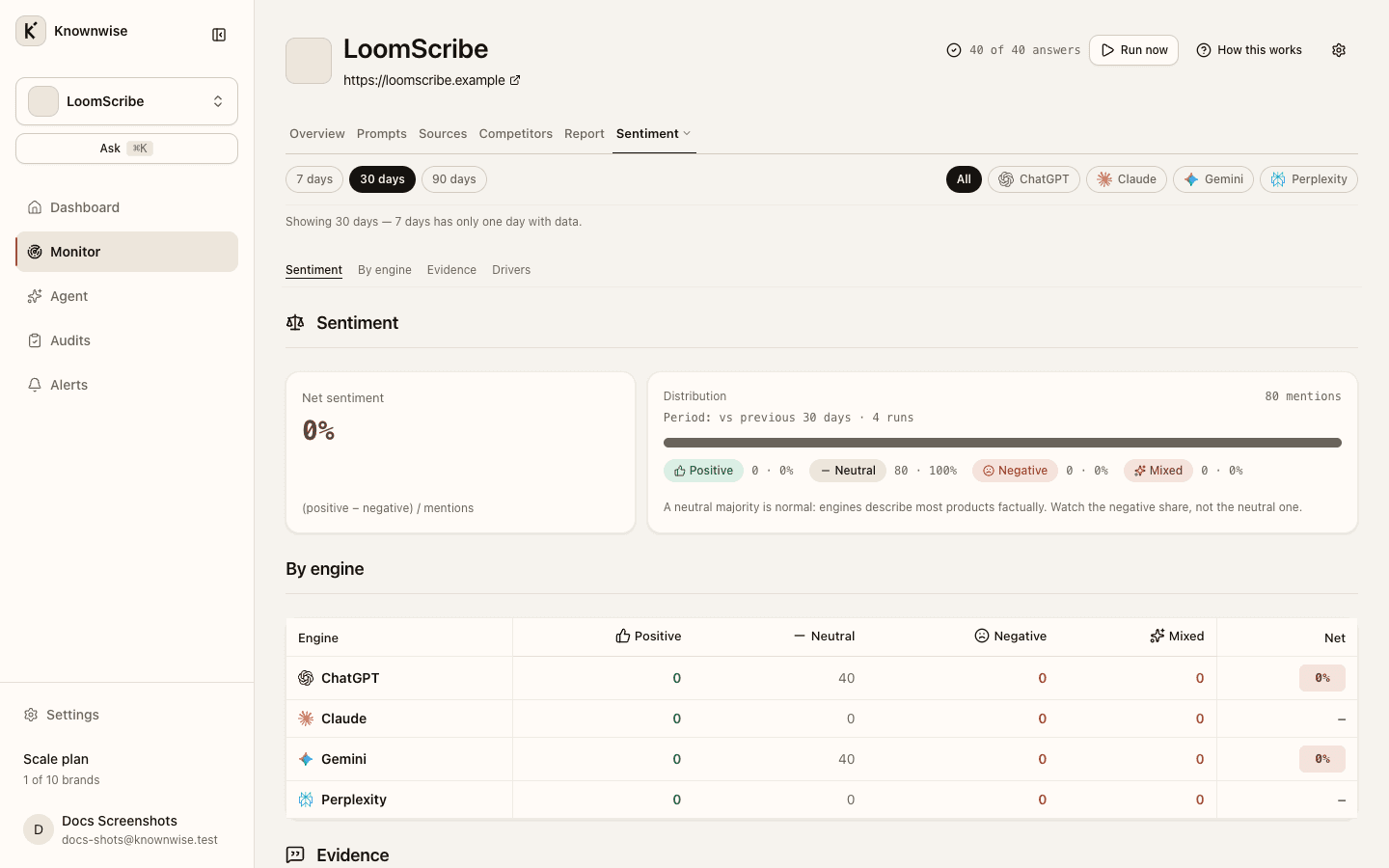
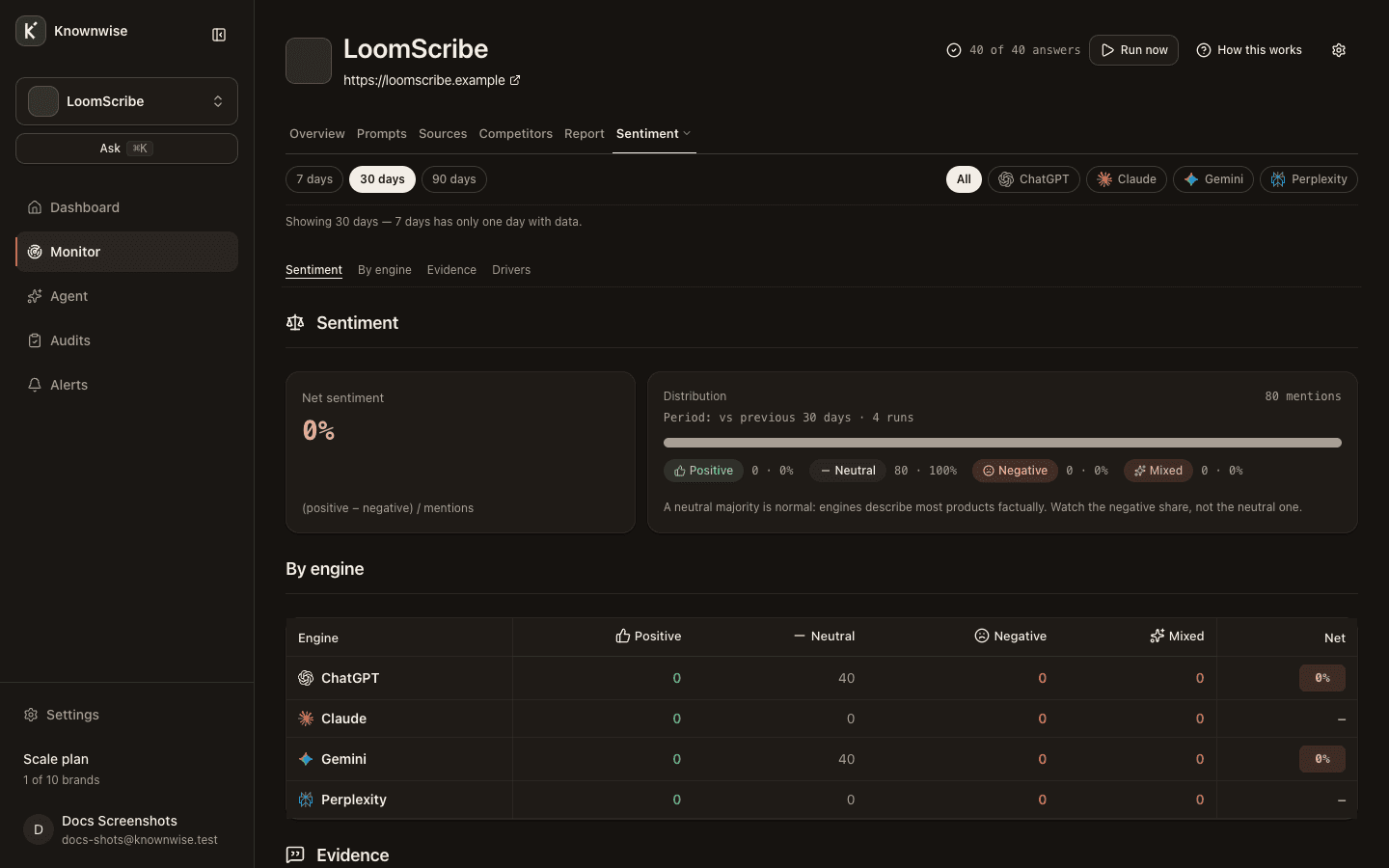
The Sentiment tab (under More in the brand navigation) measures tone in brand mentions for the window you chose in the header.
Before data exists
With zero completed runs, you see No completed runs yet and the run banner.
Sentiment summary
Sentiment opens with Net sentiment and its hint, plus Distribution across four labels:
| Label | Role |
|---|---|
| Positive | Favorable mentions. |
| Neutral | Factual or mixed-neutral wording. |
| Negative | Unfavorable mentions. |
| Mixed | Both positive and negative in the same mention. |
Each label shows a mention count. Net sentiment and its change versus the prior window can show — when the window lacks enough runs for a fair rate. With no brand mentions, copy explains that sentiment appears once assistants start mentioning you, and notes that a neutral majority is normal.
By engine
By engine is a table with one row per assistant that has data: Positive, Neutral, Negative, Mixed, and Net for each. Engine and topic filters in the header do not narrow this table; it always breaks down by assistant. If nothing is available, you see No engine data in this window.
Evidence
Evidence lists real snippets behind the numbers, grouped by tabs Positive, Negative, and Mixed (there is no neutral tab). The default tab is Positive, unless negative mentions exceed fifteen percent of all mentions, in which case Negative opens first. Each row links with Read the full answer when a quote exists; otherwise No quote recorded for this mention.
Drivers
Drivers ranks domains assistants cite when they talk about you negatively versus positively. Columns are Domain, Negative, and Positive. Empty state: No cited domains behind your sentiment in this window.