Overview
Key metrics, suggested next steps, the trend or first-report summary, and a short competitor snapshot for the brand home view.
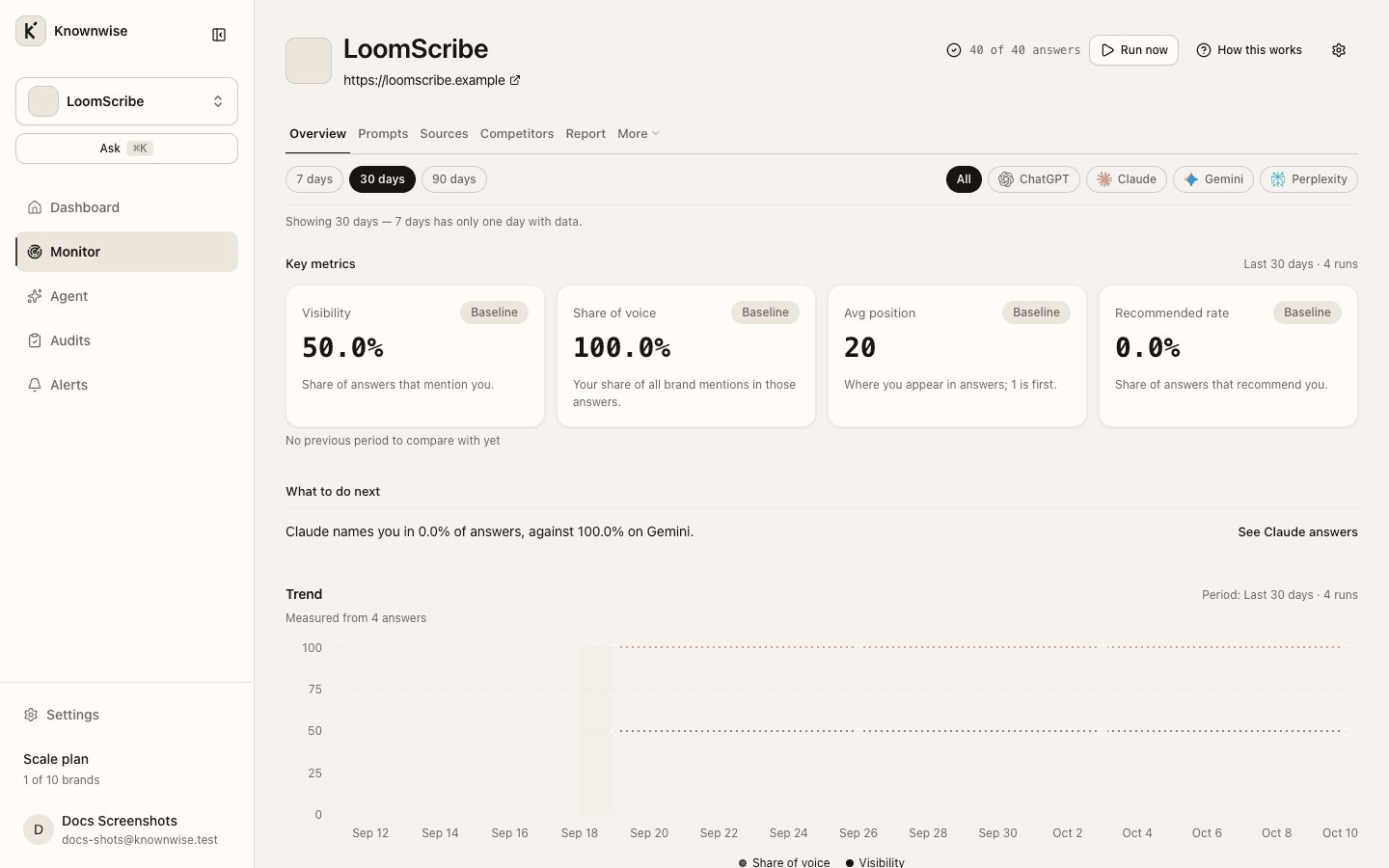
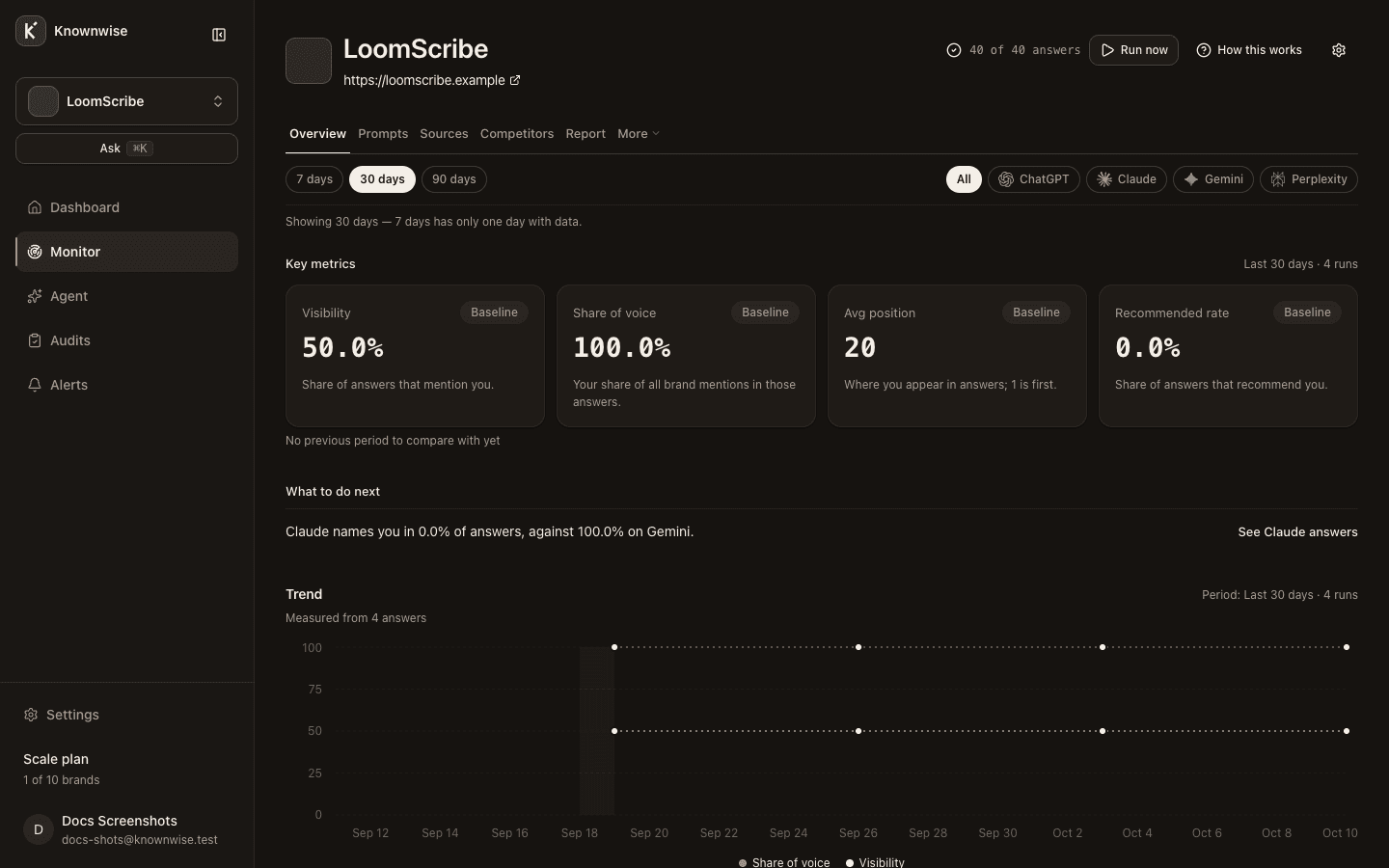
The Overview tab is your brand home: headline numbers, up to three things to do next, how you are trending, and a quick look at tracked rivals.
Key metrics
The Key metrics row shows four tiles for the time window you picked in the header:
| Label | What it measures |
|---|---|
| Visibility | Share of answers that mention you. |
| Share of voice | Your share of all brand mentions in those answers. |
| Avg position | Where you appear in answers; 1 is first. |
| Recommended rate | Share of answers that recommend you. |
The row also states how many days and completed runs the window includes. When there is no prior window to compare, tiles show a baseline note instead of Δ.
Filtering by Topic in the header does not change these four tiles. Filtering by Engine does limit them to answers from that assistant.
What to do next
Below the tiles, What to do next lists up to three suggestions. Each line explains one measured gap and links you to the place in the product where you can act on it (for example competitors, prompts, sources, or the audit).
Trend and first report
After at least one completed run in the window, you either see:
- A Trend chart when at least two measured days exist in the window — visibility and share of voice over time, with notes when some days had no completed run.
- The first-report summary when fewer than two measured days exist — where you appeared by assistant, with copy that a second run adds the trend. While you have three measured days or fewer, the same Where you appeared table also shows under the trend.
On Free, after your only report, an extra panel can explain what the next run would add and how to upgrade.
With zero completed runs in the window, the page shows No completed runs yet and the run banner until answers land.
Competitors on the overview
The Competitors block lists you and each tracked rival with Visibility and Sentiment for the window. Full comparison opens the dedicated competitors view with the full table and trend.